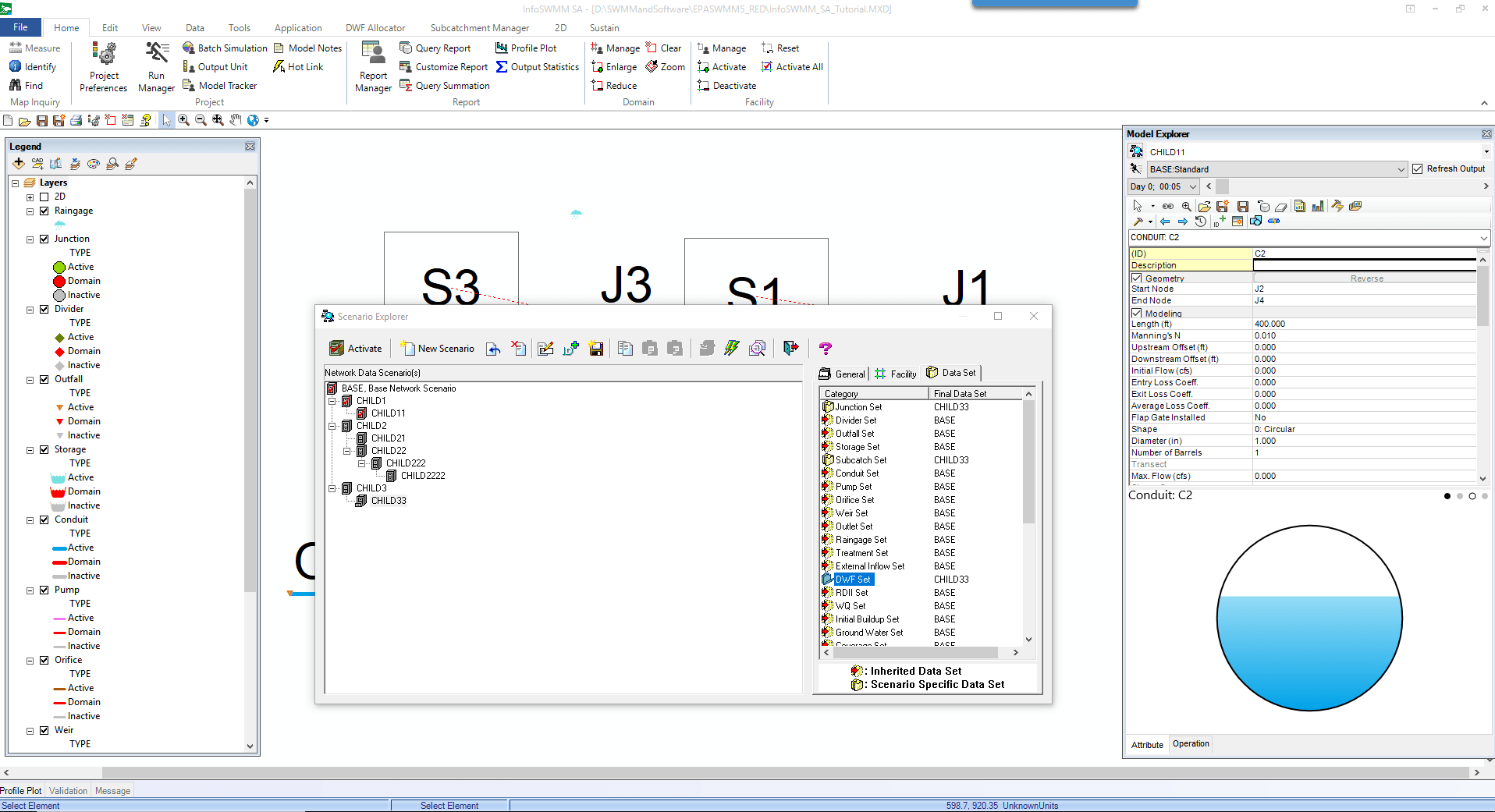
1 How to Understand Scenarios In InfoSWMM and InfoSWMM_SA
Some examples of alternatives that you may wish to explore with Scenarios:
§ Master Plans for future years
§ RTC strategies
§ Pipe size changes
§ I/I Reduction
§ Designs for reducing overflows
§ Sensitivity analysis
§ LID Flow Reduction
2 You can have Child Scenario’s based on the Base Scenario or a different Child Scenario. Compare Child1 to Child22 or Child222.
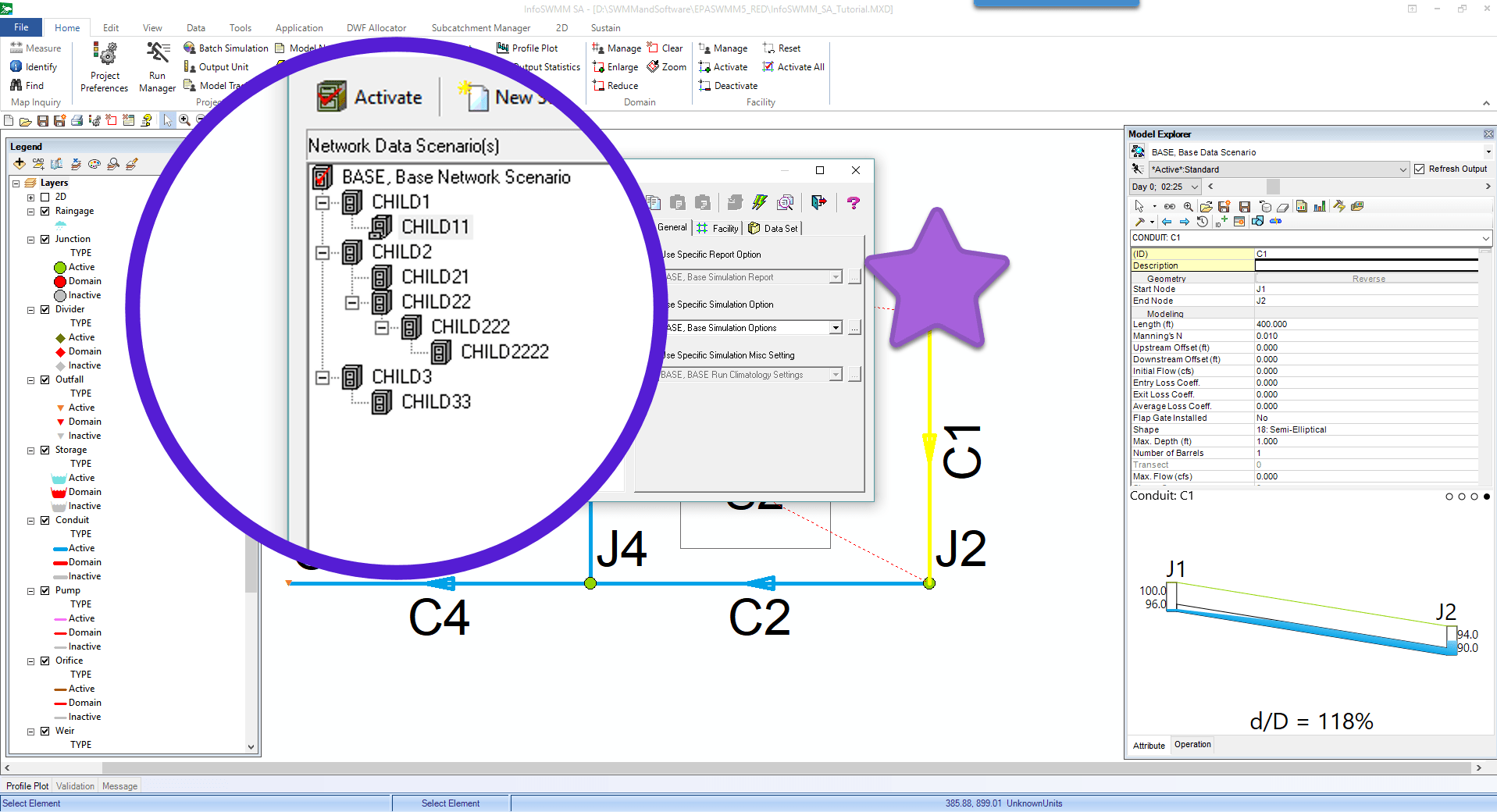
3 The Base and Child Scenarios can have different General, Facility and Dataset Characteristics
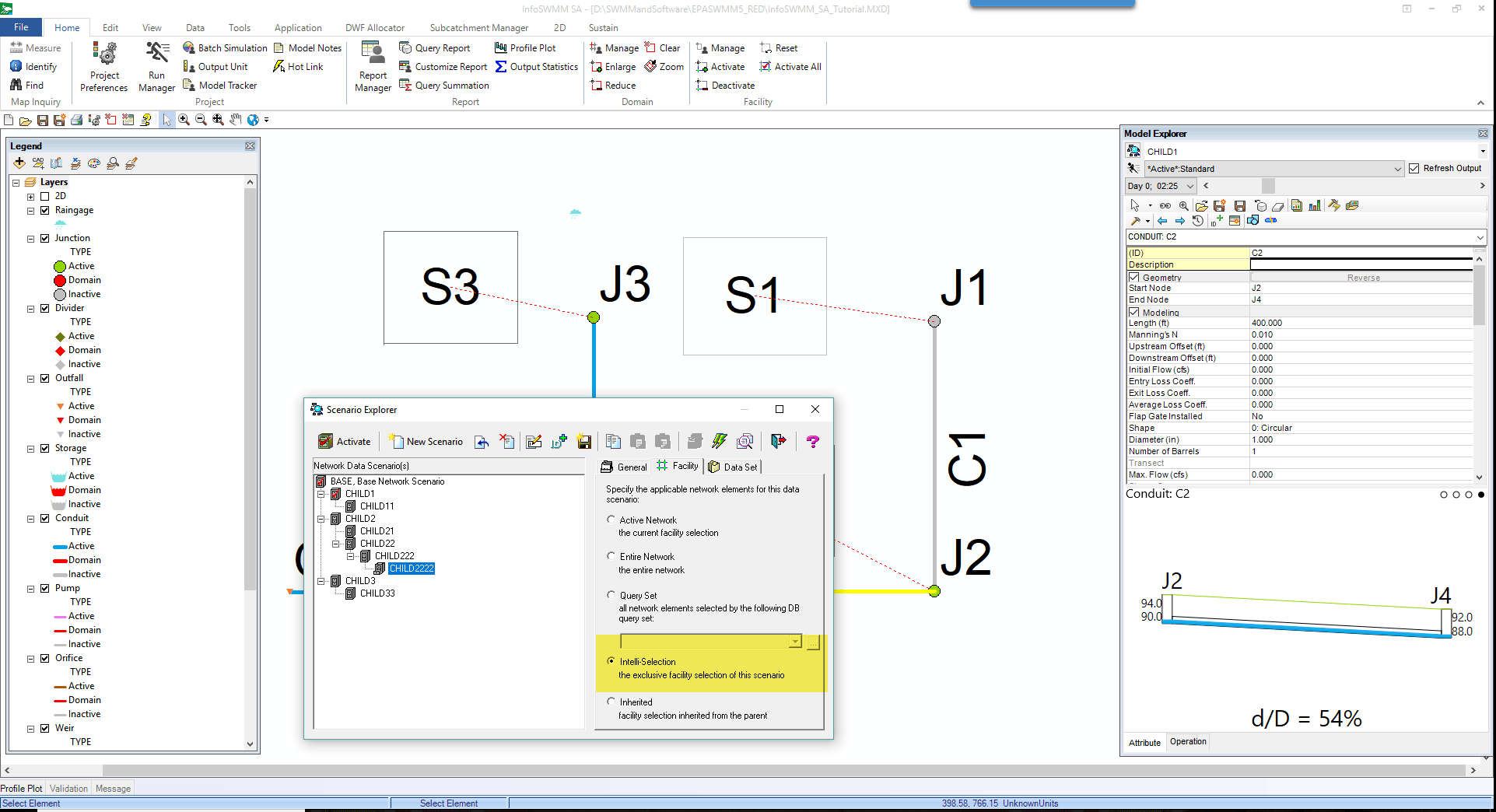
4 Use Intelli-Selection to have different active and inactive elements per scenario. Facility Manager controls whether and element is active or inactive.
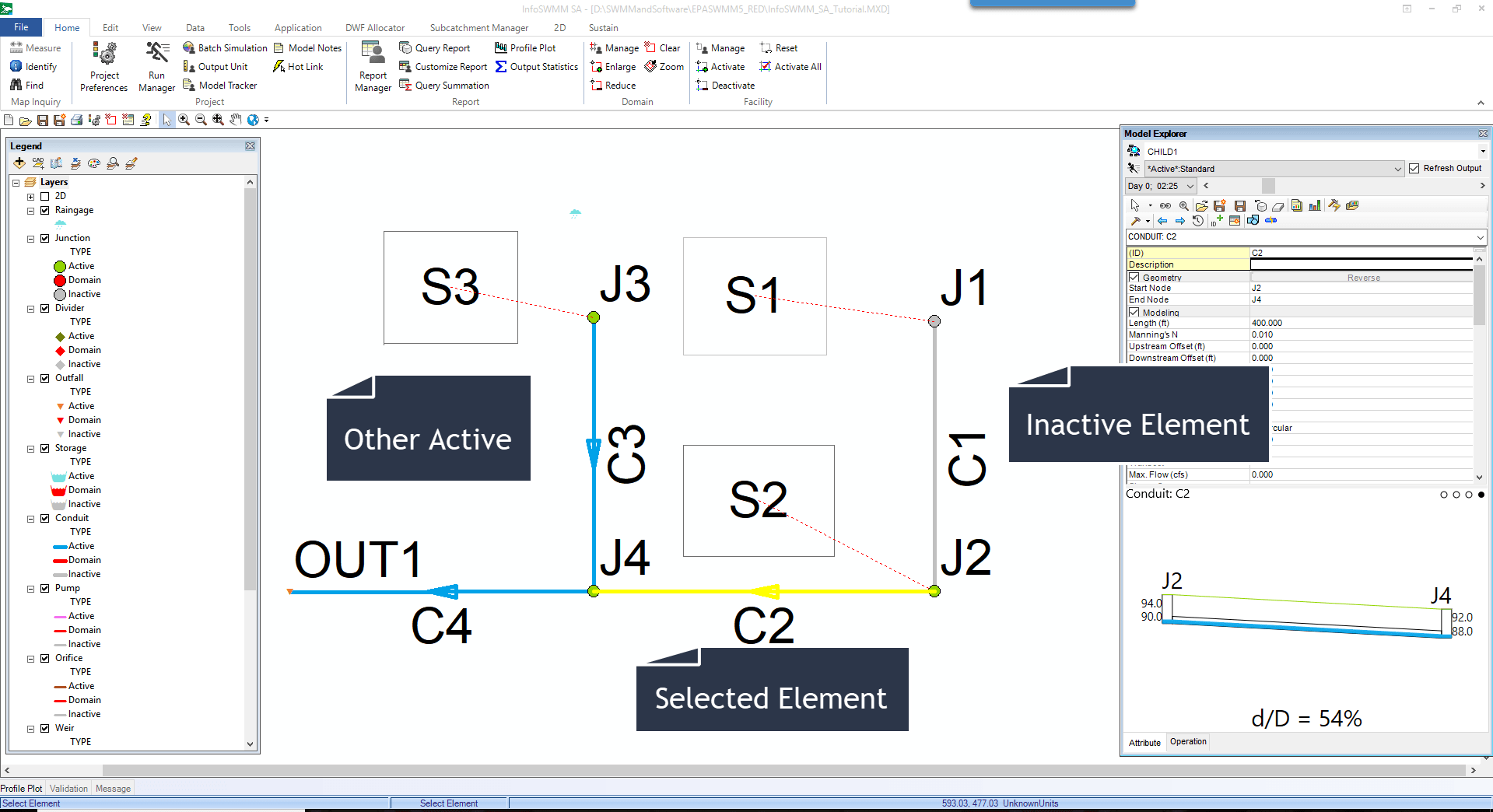
5 Inactive elements are grey, the current selected element is colored and the other active elements have the default element color or colour.
6 Use datasets to have different element data, dwf, inflows or improvements such as RDII reduction or LID controls.