How to Import a #SWMM5 model into a Brand New InfoSWMM Map (ArcMap)
How to Import a #SWMM5 model into a Brand New InfoSWMM Map (ArcMap), please see the video (no sound)… Read the rest
How to Import a #SWMM5 model into a Brand New InfoSWMM Map (ArcMap), please see the video (no sound)… Read the rest
1 How to Understand Scenarios In InfoSWMM and InfoSWMM_SA
Some examples of alternatives that you may wish to explore with Scenarios:
§ Master Plans for future years
§ RTC strategies
§ Pipe size changes
§ I/I Reduction
§ Designs for reducing overflows
§ Sensitivity analysis
§ LID Flow Reduction
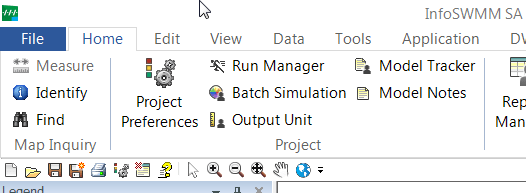
The Operation tab allows the user to control project settings relating to the management of various InfoSWMM SA operations. It should be noted that all the changes made on the Preferences dialog box must be saved prior to closing the dialog box. Many preferences set with this … Read the rest
Using Simulation Task Manager is simple and straightforward.
New InfoSWMM linked 2D Link and 3D Node graphics help you understand one of the most critical outputs in any Stormwater, Combined Sewershed or Sanitary Sewershed Network Model the value and timing of how full the pipes and nodes are over time and how this changes during Wet Weather Flow … Read the rest