Steps to Import data into InfoSewer Using GIS Gateway
Steps to Import data into InfoSewer Using GIS Gateway
Here are the steps from the beginning for importing data into InfoSewer:
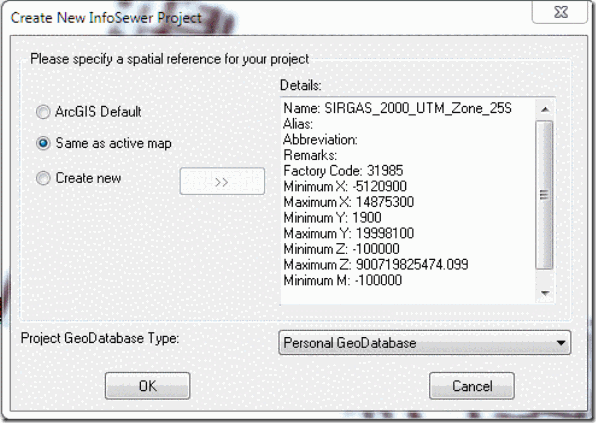
| Make a new InfoSewer Model and add in the layers you want to import |
| Initialize the InfoSewer Arc Map to the Coordinates of the Layers you have added |
| Look |