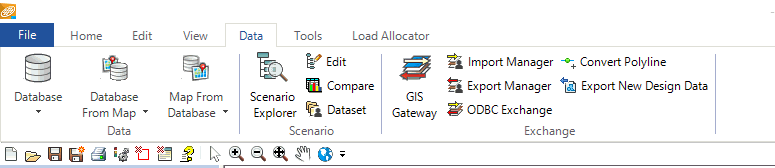
Tutorial – Step 2. Initialize RDII Analyst in InfoSWMM
Step 2. Initialize RDII Analyst
1. Initialize RDII Analyst by selecting RDII Analysis from the InfoSWMM or InfoSWMM SA Applications menu:

2. You can also make a custom Icon for RDII Analyst using the Customize Menu command of Arc Map (InfoSWMM Only) and then use that Icon to open RDII … Read the rest


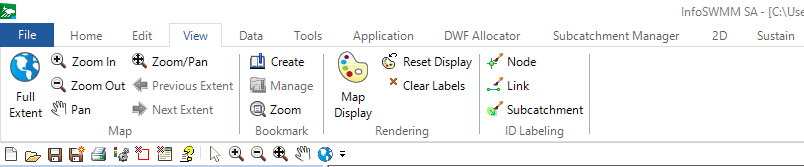
 Full spatial extent of the InfoSWMM SA Network.
 Zoom into the network elements.
 Pan around the network elements.
 Zoom in …
 measure the distance on the InfoSWMM SA Map. This tool will not work if the spatial coordinates are not defined in the InfoSWMM SA model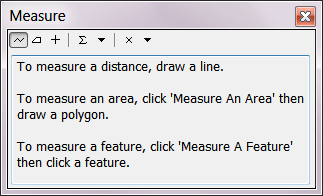
 identify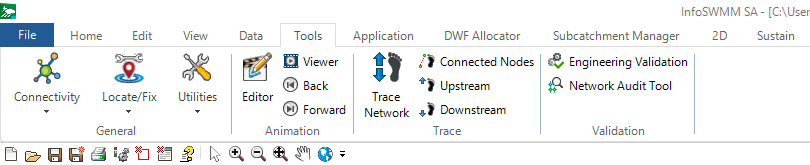

 measure the distance on theInfoSewer SA Map. This tool will not work if the spatial coordinates are not defined in the InfoSewer SA model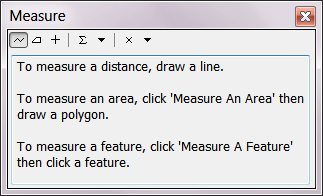
 identify an
 Full spatial extent of the InfoSewer SA Network.
 Zoom into the network elements.
 Pan around the …