InfoSewer Project Menu
InfoSWMM and InfoSewer from Innovyze both are Extensions inside of Arc Map (versions 10 to 10.6 and counting). As Innovyze Arc GIS products they (and InfoWater) share a common menu structure: Project, Edit, View, Exchange, Scenario, Tools, Utilities, Applications and Help. InfoSewer only has one Application, InfoSewer Load Allocator, whereas … Read the rest
 to clear your Map.
 Routing in InfoSewer and InfoSewer SA

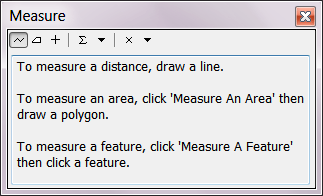
 measure the distance on theInfoSewer SA Map. This tool will not work if the spatial coordinates are not defined in the InfoSewer SA model
 identify an

 Full spatial extent of the InfoSewer SA Network.
 Zoom into the network elements.
 Pan around the …
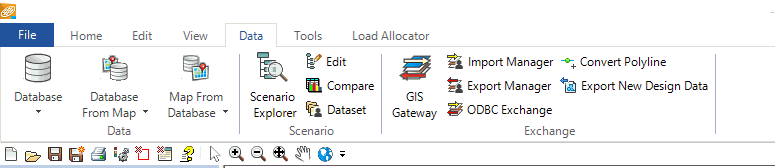

 The Run Manager is used to perform simulations and manage simulation options.
 The Scenario Explorer is where InfoSewer SA allows the user to create, delete and …


